

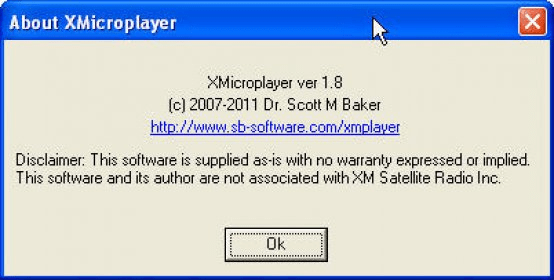
XMicroplayer is a shareware online radio player for Windows. This application provides an easy access to our favorite online xmradio channels. In order to be able to listen to the radio, we must previously register at xmradio.com website and confirm our e-mail address. After we have done so, we must enter our xmradio account settings, and choose the low bandwidth for standard quality, or the high bandwidth for high quality sound. The account can be a registered account or a trial one. The small user interface is quite simple and easy to use. We can preset up to seven channels so that we can have an instant access to them. We can listen to over 200 channels that can cater for all tastes, for example, all sorts of music, family issues, comedy, entertainment, adults, sports, news, etc. We can select the channel number and play it. It is possible to configure the program to minimize to the system tray after pressing the "X" button, and show a balloon tip whenever the song info changes. We can evaluate the fully functional trial version free of charge. XMicroplayer runs under Windows Vista, XP, 2000, NT, ME, 98, and 95 operating systems.





Comments